Understanding Security Settings
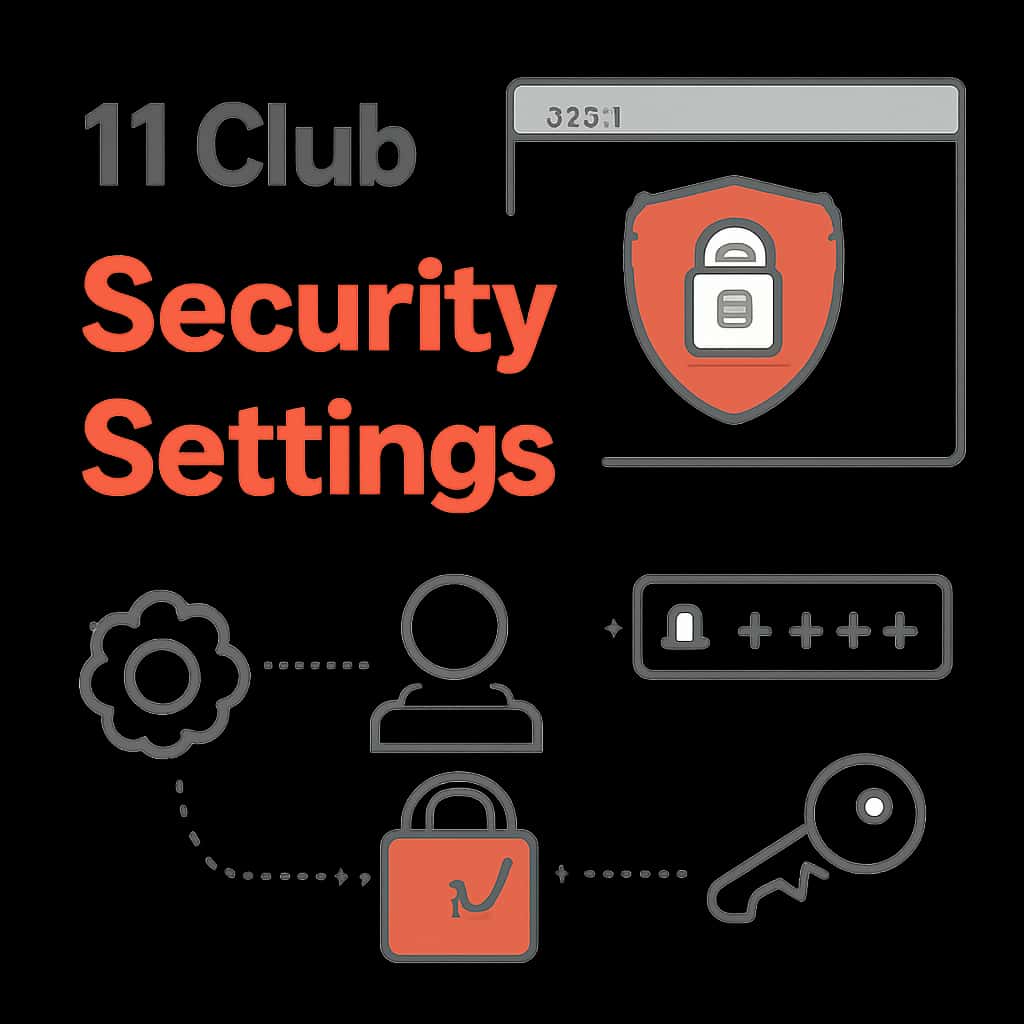
Security settings within the 11 Club platform are essential for protecting your personal information and ensuring only authorized access.
These settings include options like password management, multi-factor authentication, and account recovery to enhance your account's security.
- Change passwords periodically to counteract potential breaches.
- Enable multi-factor authentication for an extra security layer.
- Keep track of devices that have accessed your account.
Managing Multi-Factor Authentication
Multi-factor authentication (MFA) is a vital feature that adds an additional verification step during login.
By enabling MFA, you significantly reduce the risk of unauthorized access to your 11 Club account.
- Select your preferred method for MFA: SMS, email, or authentication apps.
- Ensure your recovery options are up to date if you lose access to your MFA method.
- Regularly review your security settings for any changes.
Password Management Best Practices
Effective password management is fundamental to maintaining account security on 11 Club.
Utilizing strong, unique passwords for your account can prevent unauthorized access.
- Use a combination of letters, numbers, and special characters.
- Avoid reusing passwords across different accounts.
- Consider using a password manager for better management.
Account Recovery Options
In case you experience access issues, knowing how to recover your account is crucial.
The 11 Club provides recovery options to regain access safely.
- Utilize the account recovery process if you forget your password.
- Ensure your recovery email or phone number is current and accessible.
- Follow the security prompts to verify your identity.