Understanding Two Factor Authentication
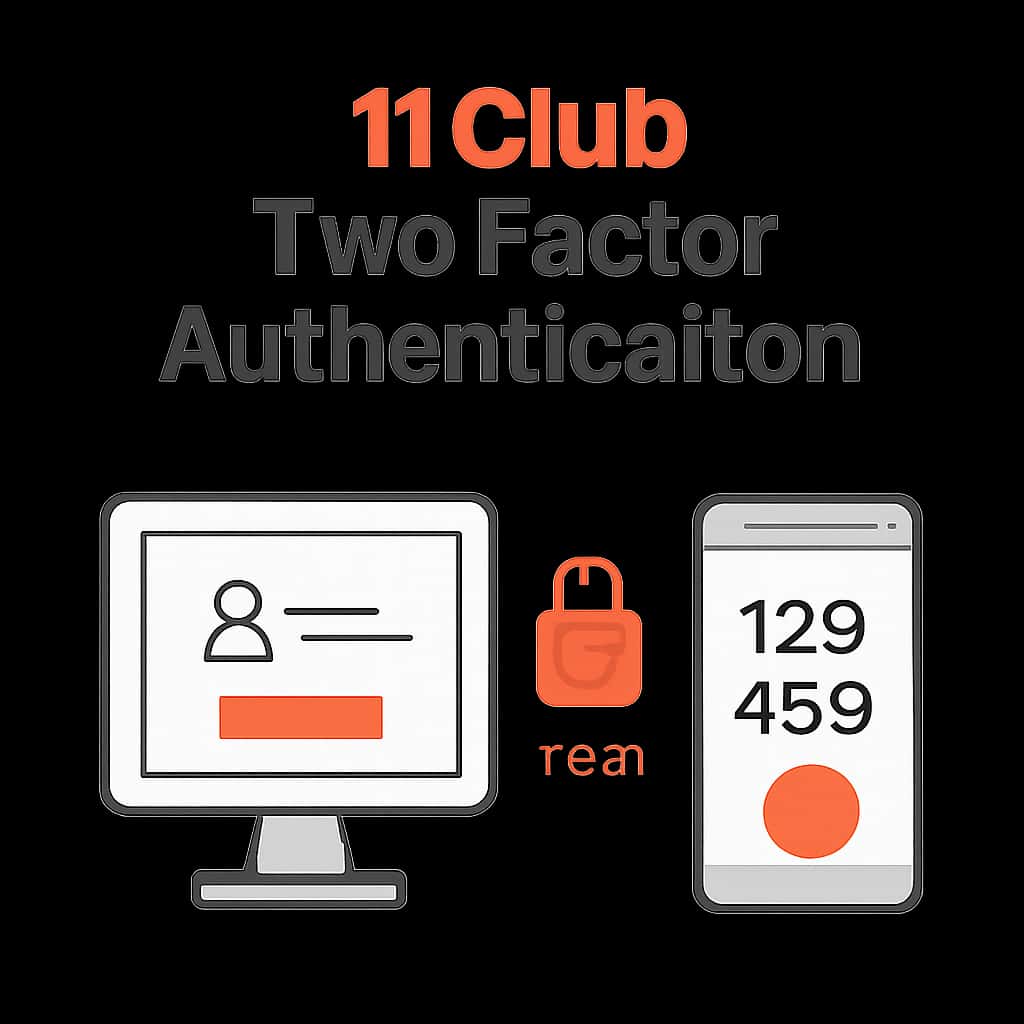
Two Factor Authentication (2FA) is an extra layer of security used to ensure that people trying to gain access to an online account are who they say they are. In the case of 11 Club, 2FA requires not just a password and username but also something that only the user has on them.
This process greatly reduces the chances of unauthorized access, making it essential for users concerned about account security.
- Combines two forms of identification: something you know (password) and something you have (a mobile device).
- Can protect against phishing attacks and credential theft.
- Improves overall user trust in the 11 Club platform.
How to Enable Two Factor Authentication on 11 Club
To enable Two Factor Authentication on your 11 Club account, navigate to your account settings where security options are listed. From there, you can easily set up the 2FA feature.
This step-by-step process ensures that only you can access your account by verifying your identity through a second method.
- Visit your 11 Club account settings.
- Locate the security section and enable 2FA.
- Choose your preferred verification method (SMS, authentication app, etc.).
- Follow the prompts to complete the setup process.
Common Issues with Two Factor Authentication
Users may encounter several challenges while setting up or using Two Factor Authentication. Understanding these common issues can help in troubleshooting effective solutions.
It is vital to be prepared for these situations to ensure uninterrupted access to your account.
- Problems receiving SMS codes due to network issues.
- Inability to access the authentication app due to device changes.
- Mistakenly disabling 2FA and needing to re-enable it.
Best Practices for Two Factor Authentication
To maximize the effectiveness of Two Factor Authentication, consider adopting some best practices. These practices not only improve security but also simplify your experience when logging into your 11 Club account.
By following these guidelines, you can enhance your account's protection significantly.
- Regularly update your phone number and email linked to your account.
- Use a reliable authentication app for added security.
- Avoid using easily guessed codes for your backup methods.
Troubleshooting Two Factor Authentication Issues
If you encounter problems while trying to use Two Factor Authentication, it’s important to have troubleshooting steps handy. This ensures you can regain access to your 11 Club account quickly.
Being familiar with these measures can save time and reduce frustration.
- Check your internet connectivity if you're not receiving codes.
- Restart your device and try again.
- Contact support if issues persist.
Benefits of Two Factor Authentication
Implementing Two Factor Authentication yields numerous advantages for users. It not only protects your account but also provides peace of mind when accessing online services.
Understanding these benefits can reinforce your decision to enable 2FA.
- Adds an extra layer of security to your 11 Club account.
- Helps to prevent unauthorized access, especially from compromised passwords.
- Encourages users to be proactive about their account's security.