Why Update Your Password?
Regularly updating your password is a fundamental practice for securing your 11 Club account. It helps to protect your sensitive information from unauthorized access and potential security breaches.
A strong password policy discourages unauthorized individuals from gaining access and promotes a secure environment for all users.
- Protects against account hacks.
- Ensures personal data privacy.
- Facilitates secure transactions within the platform.
Steps to Update Your Password
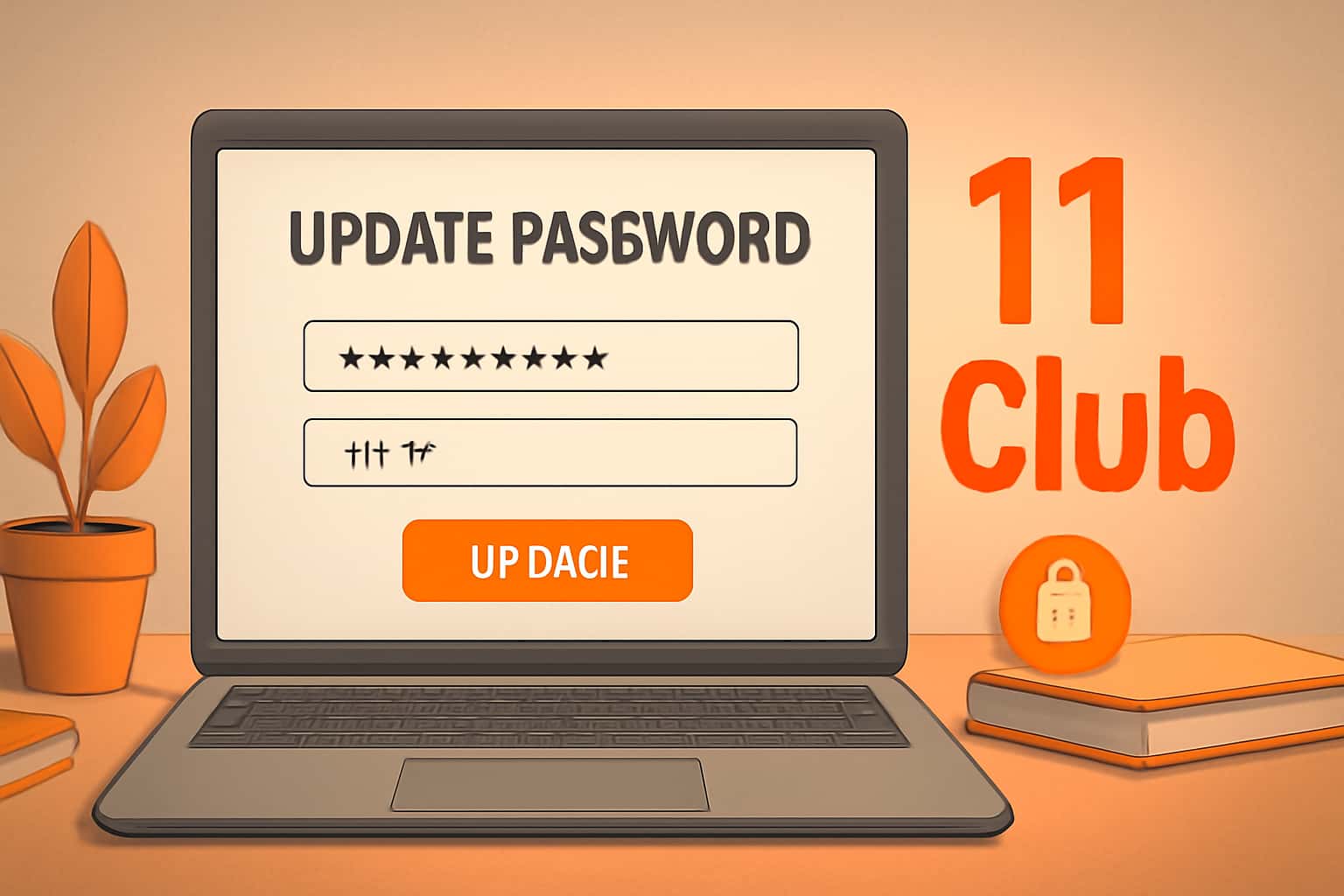
Updating your password is a straightforward process that can be completed in a few steps. Follow this guide to ensure your password is changed securely.
It is important to choose a password that is complex enough to withstand potential security threats.
- Log in to your 11 Club account.
- Navigate to the 'Account Settings' section.
- Select 'Change Password' and follow the prompts.
- Enter your current password and your new chosen password.
- Confirm your new password and save changes.
Creating a Strong Password
A strong password should contain a combination of letters, numbers, and special characters. This reduces the likelihood of it being easily guessed or cracked by attackers.
Ensure your password is at least 12 characters long and avoid using easily obtainable personal information.
- Include uppercase and lowercase letters.
- Add numbers and symbols for complexity.
- Avoid common words or sequences.
What to Do If You Forget Your Password
If you forget your password, you can easily recover it using the password recovery options available on the 11 Club login page.
Make sure your recovery email is up-to-date to facilitate the recovery process.
- Click on 'Forgot Password' on the login page.
- Follow the instructions sent to your registered email.
- Reset your password to regain access to your account.
Common Password Update Issues
Users might encounter issues while attempting to update their passwords. Here are some of the most common problems and their resolutions.
Understanding these issues can help you navigate the update process more smoothly.
- Incorrect current password entered.
- New password does not meet complexity requirements.
- Email not receiving recovery instructions.
Maintaining Account Security
Once you have updated your password, consider additional security measures to keep your account safe.
Two-factor authentication and regular password changes can significantly enhance your account security.
- Enable two-factor authentication.
- Regularly update passwords every few months.
- Use a password manager for secure storage.